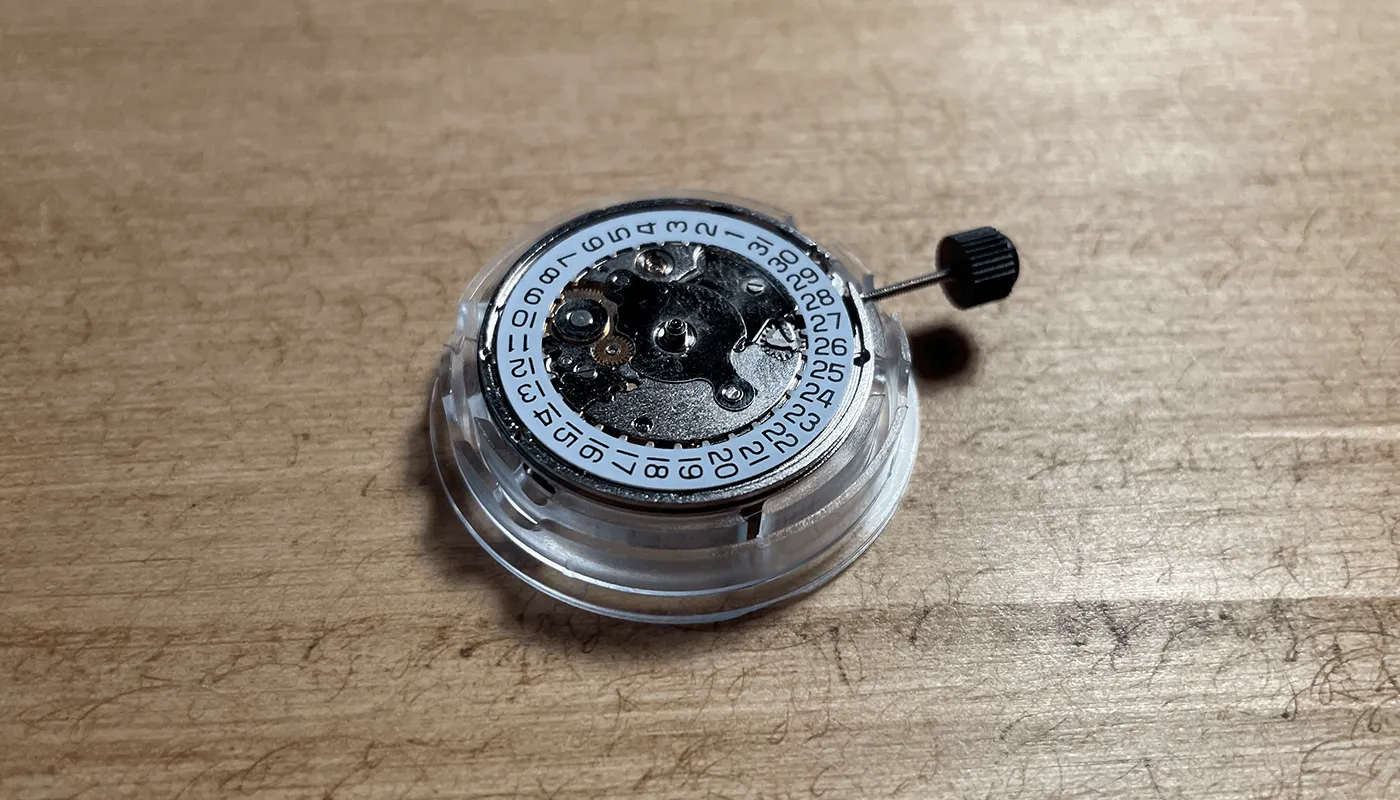
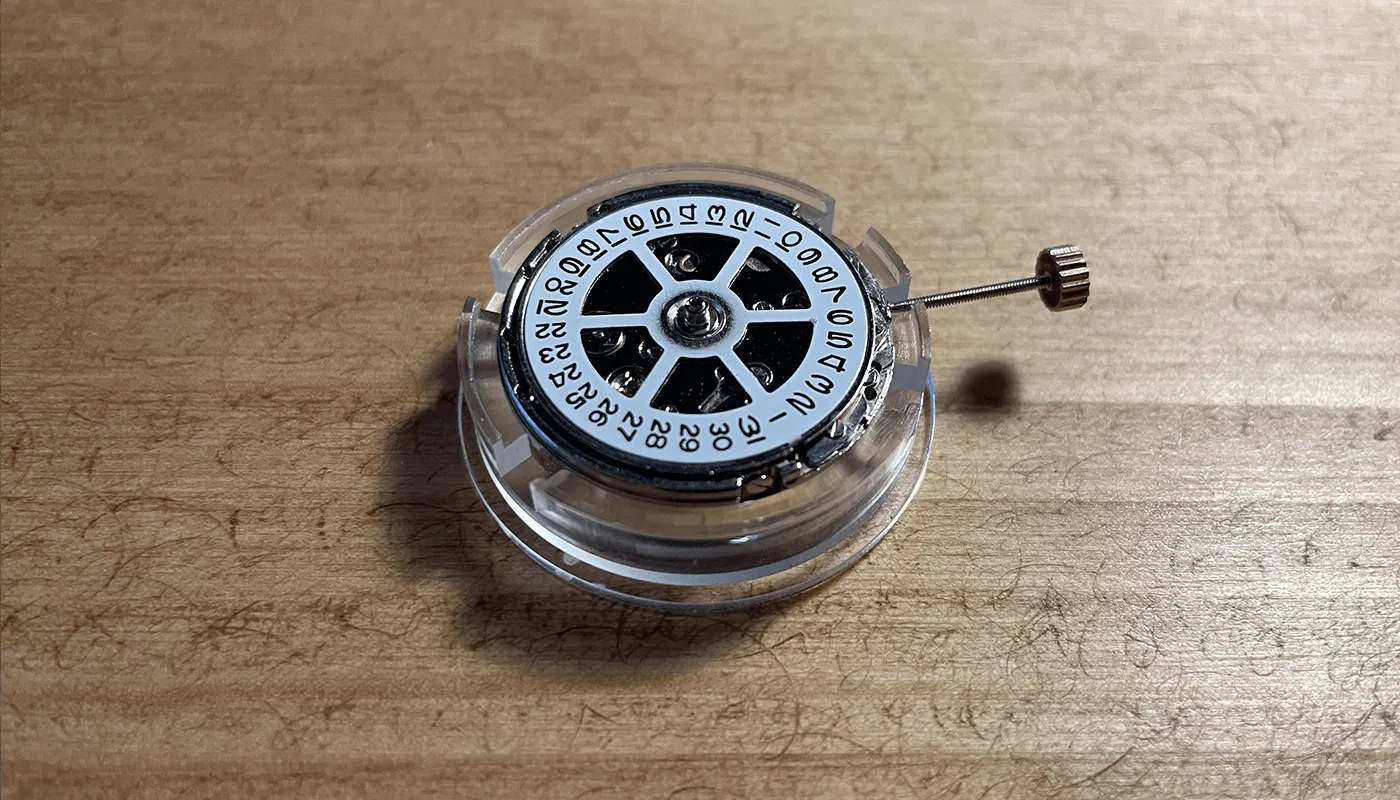
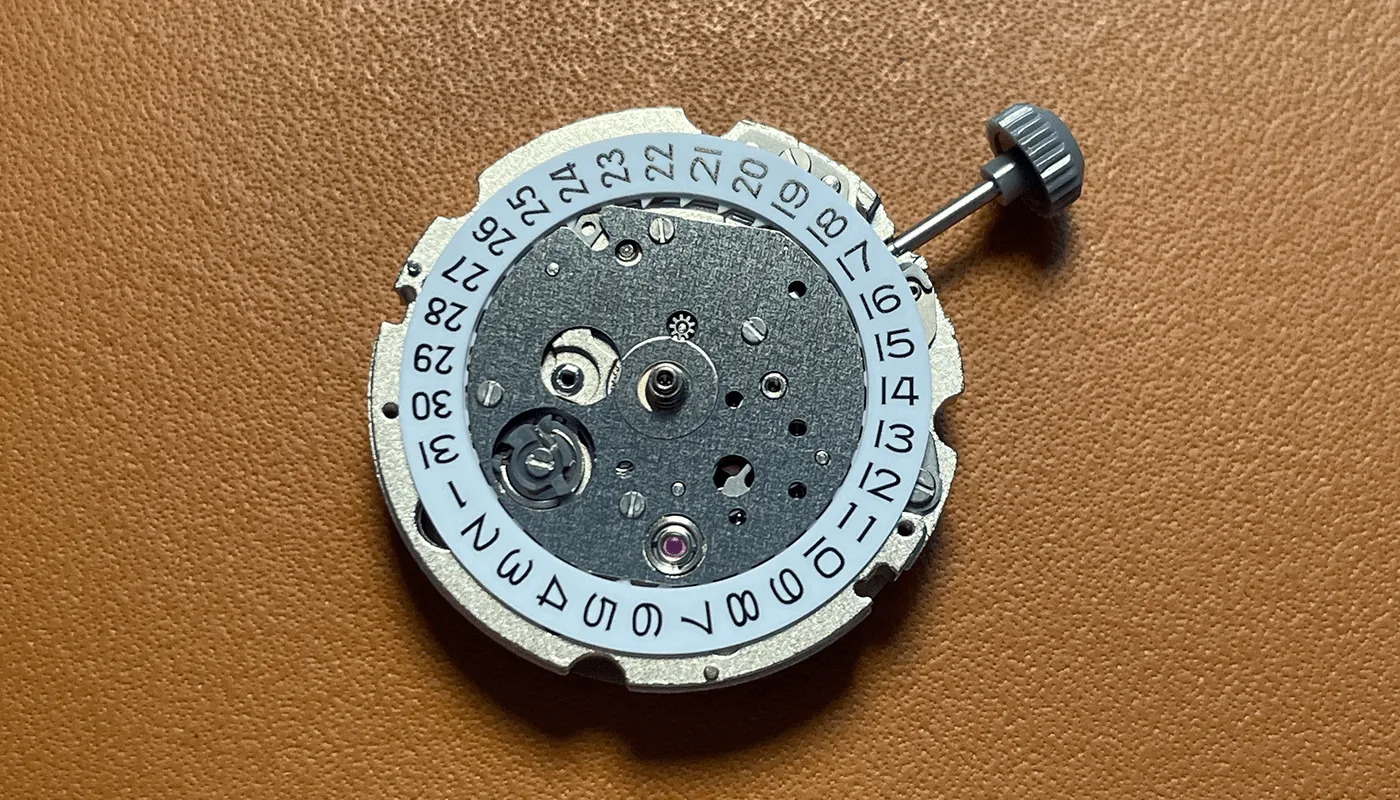
How to regulate a watch with a timegrapher app (2813, 2824, 2836 and Miyota 8215)
Your new build is gaining half a minute a day? Here is how to read a timegrapher app and nudge the regulator on 2813, 2824, 2836 and Miyota 8215 movements.
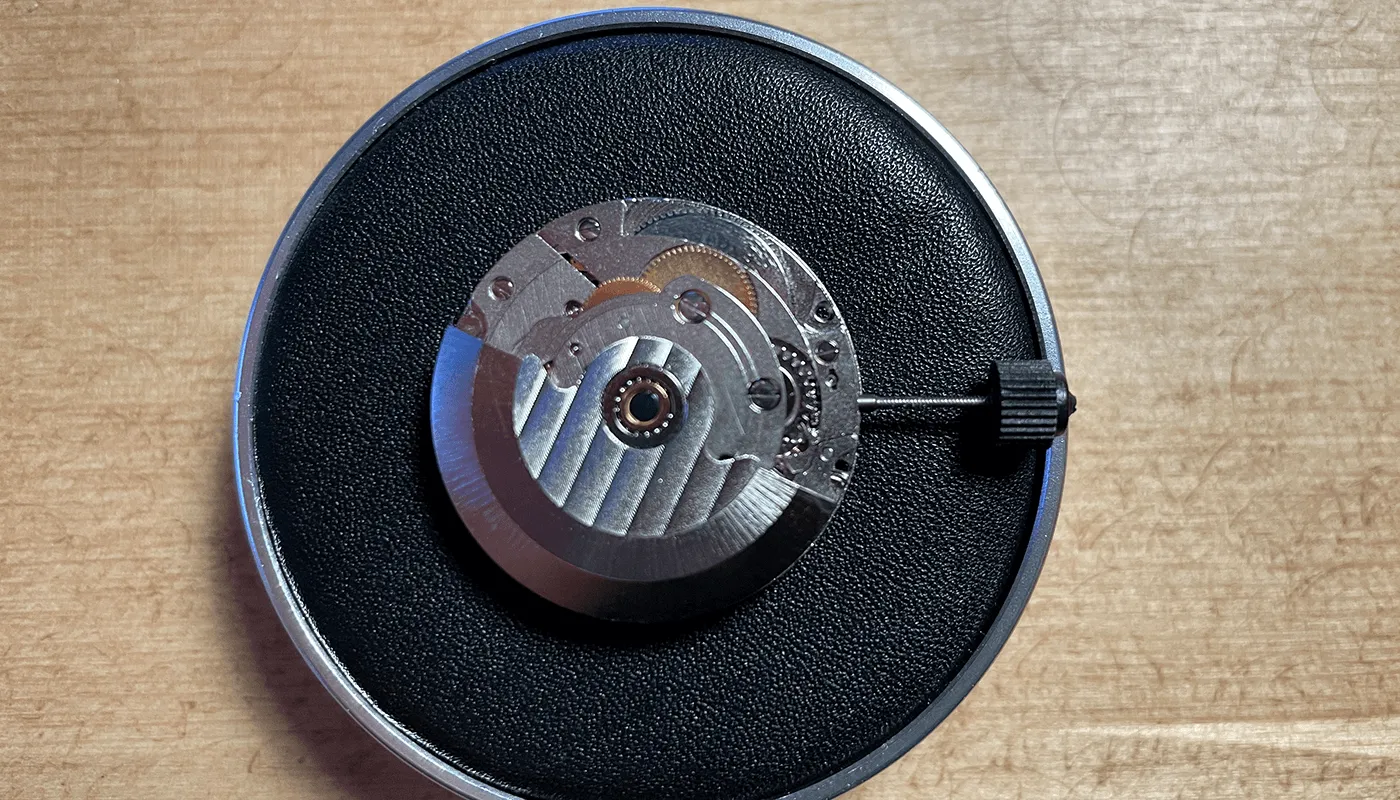
You've finished a build, it looks great on the wrist, and then a few days later you notice it's gaining half a minute a day. That's completely normal for a fresh clone movement, and the good news is you can usually bring it into line yourself with nothing more than your phone, a fine screwdriver and a bit of patience. This guide covers what a timegrapher actually measures, which apps (or cheap machines) to use, the numbers to aim for on the 2813, 2824, 2836 and Miyota 8215, and how to nudge the regulator on each.
If you've not built a watch yet, start with how to build your first watch. Regulating is the very last step, once the hands are on and the movement is cased.
What a timegrapher shows you
A timegrapher listens to the tick of the escapement and turns it into four numbers. Once you know what each one means, the readouts stop being intimidating.
- Rate (seconds per day, s/d): how fast or slow the watch is running right now. +12 s/d means it would gain 12 seconds over 24 hours if it kept running exactly like this. This is the number you change with the regulator.
- Amplitude (degrees): how far the balance wheel swings each way. It's the best single indicator of the movement's health: good power from the mainspring, clean oil and nothing rubbing all give a strong swing.
- Beat error (milliseconds, ms): the difference between the “tick” and the “tock”. In a perfectly set-up watch the balance swings the same distance either side of its rest point; beat error measures how far off that it is.
- Lift angle (degrees): not a measurement but a setting you enter. The app uses it to calculate amplitude. Enter the wrong lift angle and the amplitude reading will be wrong, even though rate and beat error stay correct.
Phone app or a cheap Weishi 1000?
You don't need a dedicated machine to get started. Several phone apps listen through the microphone and give you rate, beat error and (sometimes) amplitude:
- Watch Accuracy Meter on Android.
- Watch Tuner and Timegrapher on iOS.
Free versions typically show rate and beat error, with more features behind a paid upgrade. They all rely on the phone's microphone, so use a quiet room, put the phone on something soft, and press the caseback firmly against the mic (or the bottom edge of the phone). Even then, readings jump around more than a proper machine, so take the average over a minute rather than trusting a single snapshot.
I use a timegrapher app on my phone. The readings jump around for the first few seconds, so I hold the case back against the microphone in a quiet room and wait for them to settle before trusting the number.
The step up is a Weishi No.1000, the classic budget timegrapher with a proper microphone stand that clamps the watch. They go for roughly $116–146 on eBay. The stand holds the watch in each position for you, the readings are far steadier, and the printed trace makes beat error easy to see. If you build more than a couple of watches, it's worth it. If you've only built one, an app is plenty.
The long-term method (Toolwatch style)
Apps like Toolwatch work differently. Instead of listening to the tick, you tap the button when the seconds hand hits 12, the app compares it with atomic time, then you do it again a day or two later. The result is your real-world rate, wearing the watch as you actually wear it. It won't help with beat error or amplitude, but it's the best check of whether a regulation has actually worked. I'd use a timegrapher app to make the adjustment and a Toolwatch-style check to confirm it.
Know your movement: beat rate and lift angle
Before you measure anything, set the app to the right beat rate and lift angle. Most apps can auto-detect the beat rate, but it's worth checking it agrees with the table.
| Movement | Beat rate | Lift angle |
|---|---|---|
| Asian 2813 | 21,600 bph | Unconfirmed (52° is the common default) |
| Miyota 8215 | 21,600 bph | About 49° |
| Asian 2824 clone | 28,800 bph (some are 21,600) | 50° (ETA figure) |
| Asian 2836 clone | 28,800 bph (some are 21,600) | 50° (assumed, same family as the 2824) |
A few caveats, because the sources don't all agree:
- I couldn't find a confirmed lift angle for the 2813. Most apps default to 52°, which may be wrong, so treat amplitude readings on a 2813 as approximate. Rate and beat error are unaffected.
- The 50° figure comes from ETA's own sheet for the Swiss 2824-2. The Asian clones are copies, so it's a sensible starting point, but it isn't a published spec for the clones themselves.
- Not every “2824” or “2836” clone is high beat. The one in my aged Explorer build turned out to be 21,600 bph. If the app can't lock on at 28,800, try 21,600.
What good numbers look like
| Reading | Good | Worry |
|---|---|---|
| Rate | Single-figure s/d (dial up, fully wound) | Dozens or hundreds of s/d (check for magnetism first) |
| Amplitude (dial up, full wind) | 250–300° | Under 200° |
| Beat error | Under 1 ms | Well over 1 ms, and causing big positional differences |
For context, Miyota's own spec for the 8215 is −20 to +40 seconds a day, so a clone or budget movement running within single figures is doing really well. Amplitude will be lower in the vertical (crown) positions than dial up, and drops as the mainspring runs down, so always compare readings taken at full wind.
Out of the box my first 2813 was gaining around 15 to 20 seconds a day. After regulating it with the app, it settled at around +5 seconds a day.
Demagnetise first
If a watch suddenly starts gaining a lot, say a minute or more a day, don't reach for the regulator. That's the classic sign of a magnetised hairspring, and no amount of regulating will fix it properly. A cheap demagnetiser sorts it in seconds; see how to tell if your watch is magnetised and fix it.
How to adjust the regulator
The regulator sits on the balance cock, the bridge holding the balance wheel. To reach it you'll need the caseback off and, on most of these movements, the rotor out of the way (swing it round or remove it). Use a fine screwdriver or a sharpened peg wood, and keep everything that touches the movement non-magnetic.
2824 and 2836 clones: index plus stud carrier
These follow the Swiss layout, with two separate adjustments:
- The regulator index changes the rate. It's the arm with the + and − markings. Move it towards + to speed the watch up, towards − to slow it down.
- The stud carrier changes the beat error. It's the separate piece that holds the outer end of the hairspring. Turning it shifts the balance's rest point. Make the move with the watch running and watch the beat error number fall.
Do beat error first (if it needs it), then rate, because moving the stud carrier can nudge the rate slightly.
2813 and Miyota 8215: plain regulator lever
These have a simple regulator lever and no fine-adjust screw. You adjust rate by gently pushing the end of the lever towards + or −. There's no easy beat error adjustment, so if beat error is high on one of these, it's usually a case of living with it unless you're comfortable working on the hairspring collet.
Make tiny moves
The lever moves a lot of rate for very little travel. A movement you can barely see by eye can be ten or more seconds a day. Nudge it, take your hands away, let the reading settle for 30 seconds or so, then read it again. Never force it, and be very careful not to touch the hairspring itself.
On my 2813 the lever needed only a tiny nudge, less than the width of one of the markings, to take it from about +18 to about +5. I moved it a little at a time and re-measured after a minute each time.
Positional testing
A watch runs at slightly different rates depending on which way it's facing. Phone apps and the Weishi can test in each of these:
- Dial up (DU) and dial down (DD).
- Crown down, crown up, crown left and crown right.
You don't need to chase perfection across all six on a budget movement. What you're looking for is a sensible average and no single position that's wildly different. A big gap between dial up and the vertical positions, or a big drop in amplitude in one position, points to something rubbing or a beat error problem. A handy trick: if your rate is a bit fast and you can't get it lower, note which position runs slowest and leave the watch in that position overnight.
A regulating routine, step by step
- Fully wind the watch (around 30–40 turns of the crown) and let it run for a few minutes.
- Check for magnetism with a compass, and demagnetise if needed.
- Set the beat rate and lift angle in the app (see the table above). Check the app has locked on to the right beat.
- Take a dial-up reading in a quiet room, averaging over about a minute. Note rate, amplitude and beat error.
- Repeat crown down and crown left. If amplitude is under 200°, stop: the movement needs a service, not regulating.
- On a 2824/2836, sort beat error first with the stud carrier if it's over 1 ms.
- Open the caseback, move the rotor and nudge the regulator a tiny amount in the right direction.
- Close up, let it settle, re-read. Repeat until you're in single figures.
- Wear it as normal and check the real-world rate over a day or two with a Toolwatch-style app. Fine-tune if needed.
When the numbers mean “needs a service”
Regulating fixes rate. It won't fix a tired or dirty movement. Signs it needs more:
- Amplitude under 200° dial up at full wind.
- Amplitude that varies a lot between positions, or collapses as it runs down.
- A rate that won't stay put from one day to the next.
- Very high beat error on a movement with no easy adjustment.
- The watch stops after a few hours, or won't run when dial down.
On a cheap clone, a replacement movement often costs less than the oil kit for a service. I've weighed that up in service or replace a 2813 movement, and there's more troubleshooting in watch build problems and fixes.
See my tools page for the screwdrivers and tweezers I use, and NH35 vs Miyota 8215 vs 2813 vs 2836 if you're still choosing a movement.