Common watch build problems and how to fix them
The same handful of problems turn up in almost every watch build. Find your symptom, work through the likely causes and get it fixed.
Every watch build hits a snag somewhere. The good news is that the same handful of problems come up again and again, and most of them have a simple cause. This page is organised by symptom: find the one that matches what your watch is doing, work through the likely causes in order, and follow the links to the full guides for the fix.
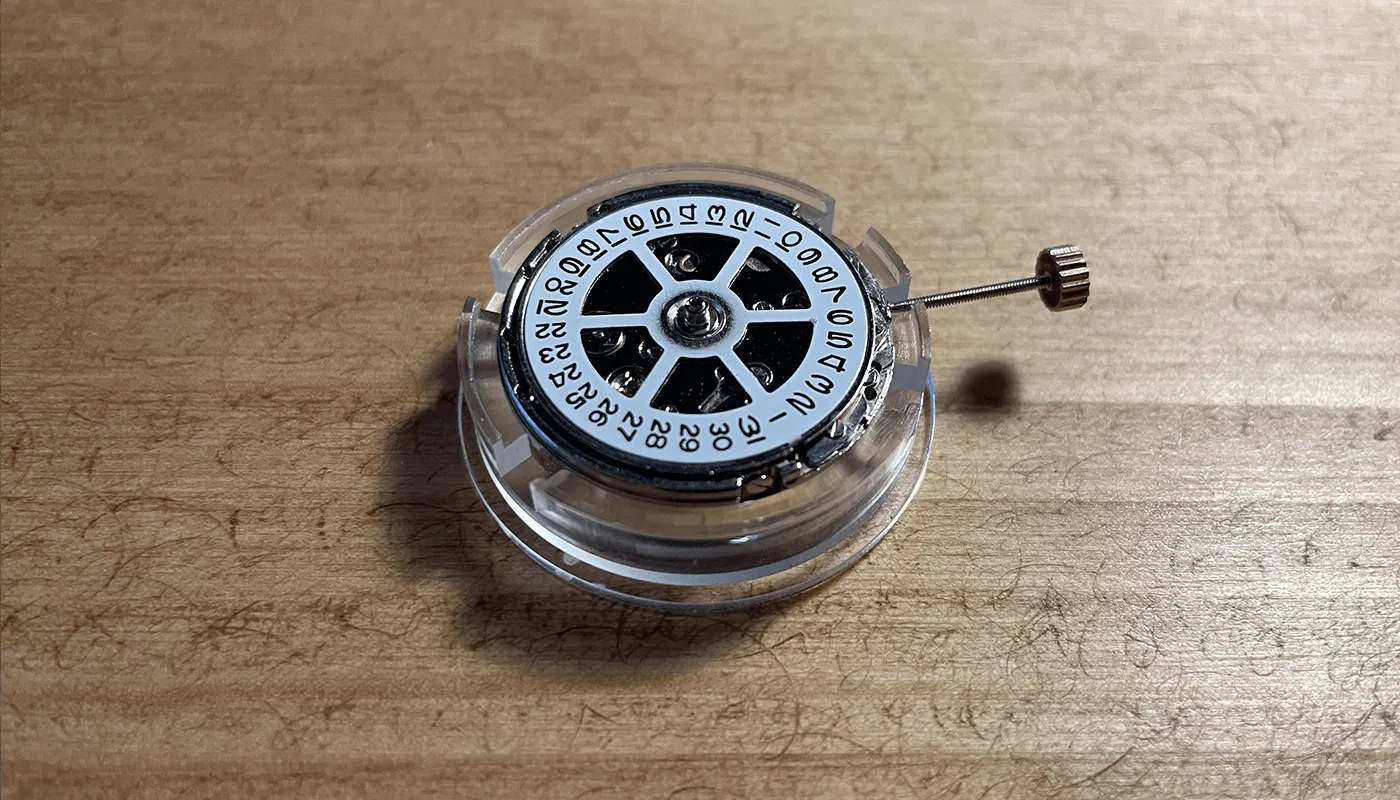
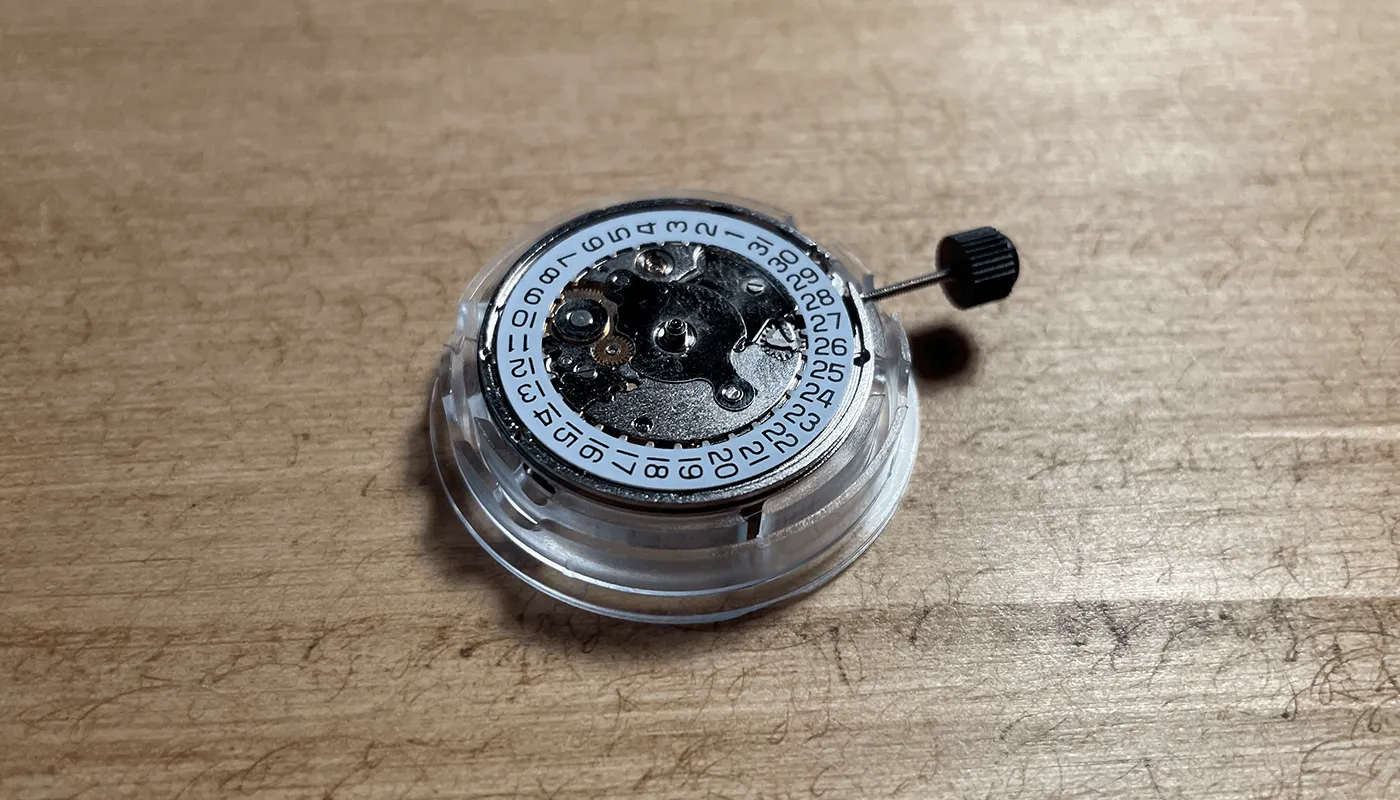
It's written around the movements I use: the Asian 2813, 2824 and 2836 clones and the Miyota 8215. Most of it applies to any automatic, though.
One rule before you start: when something isn't right, stop and look before you force anything. Nearly every part in a watch is easier to bend than to straighten.
The date won't change, or changes at noon
Date changes at midday
The hour hand has been fitted 12 hours out. The movement doesn't know the difference between noon and midnight, only where the hour wheel is when the date flips. To fix it, remove the hour and minute hands, turn the crown until the date just changes, and refit the hour hand pointing at 12. Then the minute hand, also at 12. Turn the hands through a full 12 hours and check the date stays put at noon and flips at midnight. The full method is in how to fit watch hands.
Date won't change at all, or only half changes
- Something is pressing on the date wheel. The dial must sit on a spacer ring that holds it clear of the date wheel. If the spacer is missing or too thin, the dial drags on the wheel. A date wheel overlay that's too thick, or a blob of glue on the overlay, does the same.
- The dial isn't flat. A raised foot stub or a dial clamp not fully engaged can tilt the dial onto the wheel. See “dial not sitting flat” below.
- A spring has come unhooked under the date wheel. That means taking the date side apart, and on a cheap 2813 it's often quicker to replace the movement.
Test this with the dial and hands off: if the date changes cleanly on the bare movement, the problem is your spacer or dial, not the movement. Also, as a general rule, avoid using the quick-set date while the hands are near midnight, when the date mechanism is already engaged.
I haven't had a date stop changing on my builds. I always check the date flips on the bare movement before the dial goes on, so if it ever does stop, I'll know it's the dial or spacer.
Hands touching each other or the dial
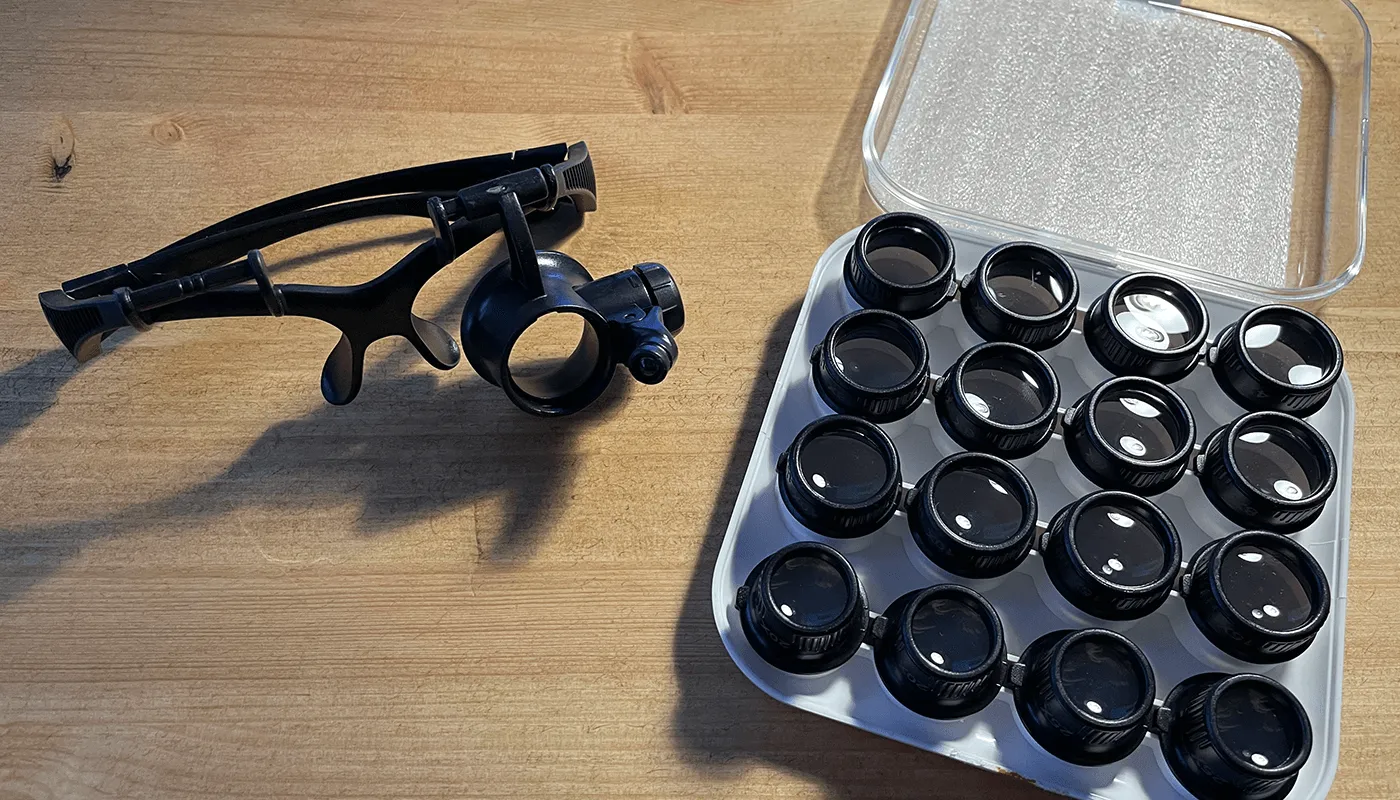
Look at the watch side-on at 12, 3, 6 and 9 o'clock with a loupe. You're checking for a gap between the dial and hour hand, the hour and minute hand, the minute and seconds hand, and the seconds hand and the crystal.
- Hour hand touching the dial: it's not pressed on far enough, or it's bent down at the tip. Press it on only about flush with its tube; going further doesn't help.
- Minute hand touching the hour hand: the hour hand was pressed on too far, or one hand is bowed. Gently straighten the hand rather than pressing harder.
- Seconds or minute hand catching the crystal: usually a domed or thick crystal on a movement that sits high. Check the movement ring and dial spacer are right for your movement (see the stem and casing guide).
- Wrong hole size: a hand with a hole too big for the pinion will sit low and wobble. Check sizes in the watch hand sizes chart.
Seconds hand falls off or stops
The seconds hand is the fiddliest part of most builds, especially on the 2813 and 8215 where the pinion is only 0.17 mm. On my 2813 review I mention breaking the seconds pinion a couple of times while learning.
- Wrong size. A 2824/2836 seconds hand has a 0.25 mm hole and will just drop off a 0.17 mm pinion. Make sure the hand is for your movement.
- Not pressed on far enough. It holds for a while, then works loose. Press it again, squarely, with the movement supported underneath.
- It's touching something. If the watch stops but restarts when you tap it, the seconds hand may be catching the minute hand or the crystal. Check it side-on as above.
- Bent pinion. If the hand runs off-centre or wobbles, the pinion may be bent. That's hard to fix well; on a budget movement, replacement is often simpler.
Stem won't go back in, or the crown pulls out
Stem won't go back in
- It needs turning. The square end has to line up with the square hole in the winding pinion. Push gently and rotate the crown slowly until it drops in.
- The setting lever has moved. This usually happens when the stem was pulled out in the wrong position, or the release on a 2824/2836 was pressed too hard. On those movements a light touch on the release while you push the stem in can help. If the lever has come right out of place, the dial side has to come off to reseat it.
Crown pulls out completely
- The stem was never fully latched. Take the back off and push it in until it clicks into the winding position.
- The crown has unscrewed itself from the stem. Refit it with a tiny amount of thread glue.
The stem removal method for each movement is in the stem and casing guide.
Watch stops, or suddenly runs fast
A watch that was keeping good time and suddenly gains minutes a day is very often magnetised. Phones, laptop speakers, magnetic bag clasps and tablet covers can all do it. Magnetism makes the coils of the hairspring stick together, which shortens it and makes the watch run fast. A demagnetiser fixes it in seconds, and a cheap one is a worthwhile addition to your kit. See how to demagnetise a watch.
Other causes:
- Stops after a few hours: it may not be fully wound. Wind it by hand first (see the next section) before deciding there's a fault.
- Stops when worn but runs on the bench: something is touching, often a hand catching another hand or the crystal.
- Runs consistently fast or slow: it needs regulating. See how to regulate a watch with a timegrapher app.
- Low amplitude or erratic: on an old or dirty movement, it may need a service. For a 2813 that's rarely worth paying for; see service or replace a 2813.
Won't wind (and the 2813's one-way rotor)
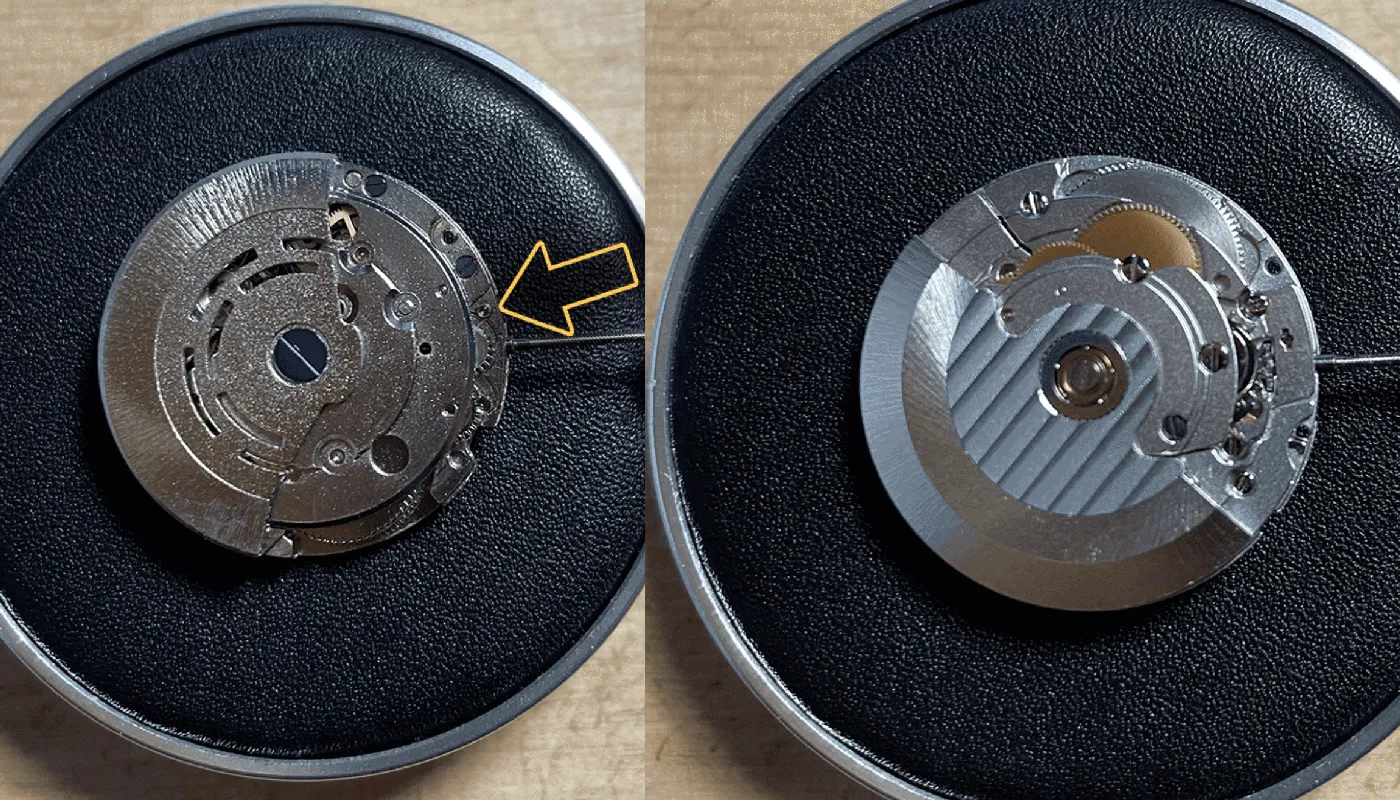
If you spin a 2813 rotor and it seems to freewheel in one direction, that's normal. The 2813 winds in one direction only. The Miyota 8215, which it's modelled on, is the same. One-way winding isn't a fault, so don't open the movement up because of it.
To check whether it's really not winding:
- Push the crown fully in (winding position) and turn it forward 30–40 times. The seconds hand should start.
- If the crown just spins without any resistance, the crown may have come loose from the stem, or the stem isn't latched in the winding position.
- If hand winding works but it doesn't keep going on the wrist, check the rotor screw is tight and the rotor isn't catching the case back.
The first time I spun a 2813 rotor I thought something was wrong. It freewheels one way and is noticeably noisy, louder than the 2836. Both are normal for this movement, and once the case back is on you only hear it if you hold the watch to your ear.
Dial not sitting flat
- Foot stubs not filed flush. After clipping unwanted dial feet, file the stubs until they're flat with the back of the dial. Even a small stub will rock the dial.
- Dial clamps not engaged. On the 2824/2836 the dial-foot clamps have to be pushed in to grip the feet. On the 2813 and 8215 the feet are held by small screws. Check both feet are actually gripped.
- Feet in the wrong place. “Universal” dials don't always line up. If a foot doesn't drop into its hole, don't force it.
- Glue or debris. A blob from a date wheel overlay or a re-glued dial foot can lift one side.
Look at the dial side-on in good light before you fit the hands.
Crown not lining up with the case tube
If the stem won't enter the case tube easily, or the crown sits off-centre, the movement is at the wrong height or rotated in the case.
- Wrong movement ring. Rings are made for a particular movement. The 8215 is about a millimetre taller than a 2824, so swapping rings between them puts the stem out of line.
- Movement rotated. If the dial's 3 o'clock doesn't point at the crown, the dial feet or the ring aren't positioned correctly.
- Case not made for your movement. Check the listing says it fits your calibre, not just “fits most automatics”.
If the crown lines up but sits too far out or too close, that's stem length. The measuring and cutting method is in the stem and casing guide.
Dust under the crystal
You close the case back, turn the watch over, and there's a speck sitting right on the dial. It happens to everyone. To prevent it:
- Work on a clean surface and keep parts covered when you're not handling them.
- Wear finger cots or gloves so you don't leave prints on the dial or crystal.
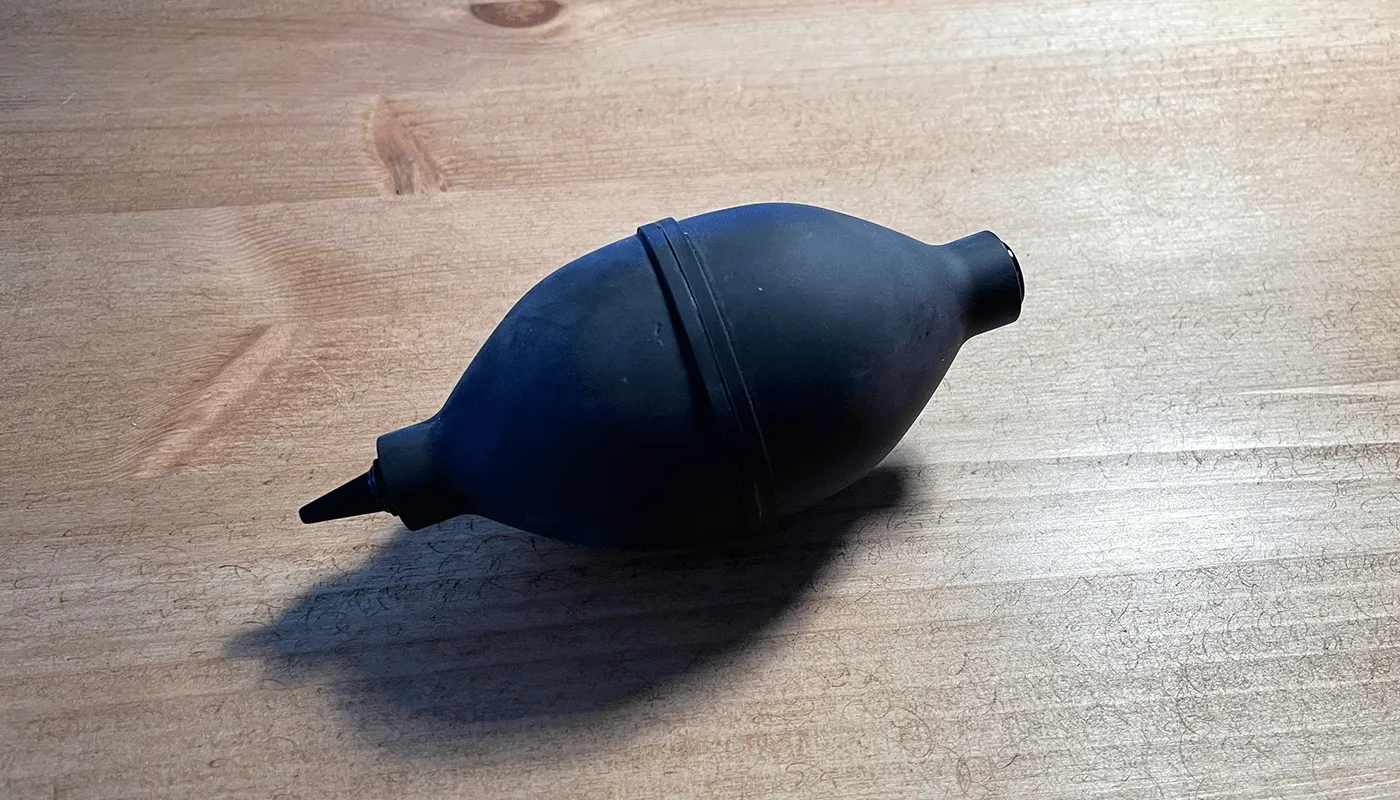
- Use a dust blower on the dial, hands and inside of the crystal right before the case goes on, and check with a loupe.
- Rodico will lift a speck that the blower won't move, but keep it off the dial print.
If dust is already inside, there's no shortcut: open the back, take the movement out of the case, and blow out the dial and crystal before casing it again.
Starting from scratch? The first watch build guide walks through the whole process in order, and the tools page lists what I use.